PhotoDesqueeze
All projects

Own macOS App · Solo Developer

PhotoDesqueeze

Batch anamorphic desqueeze for macOS.

Role

Own macOS App · Solo Developer

Period

2026

Technical frame

Swift / SwiftUI

Links

Initial problem

Anamorphic still photography often leaves photographers with folders of squeezed RAW or rendered files that need consistent desqueeze handling before editing. The original RAW files should stay untouched, but manual export workflows are slow, repetitive, and easy to misconfigure across large batches.
Implementation

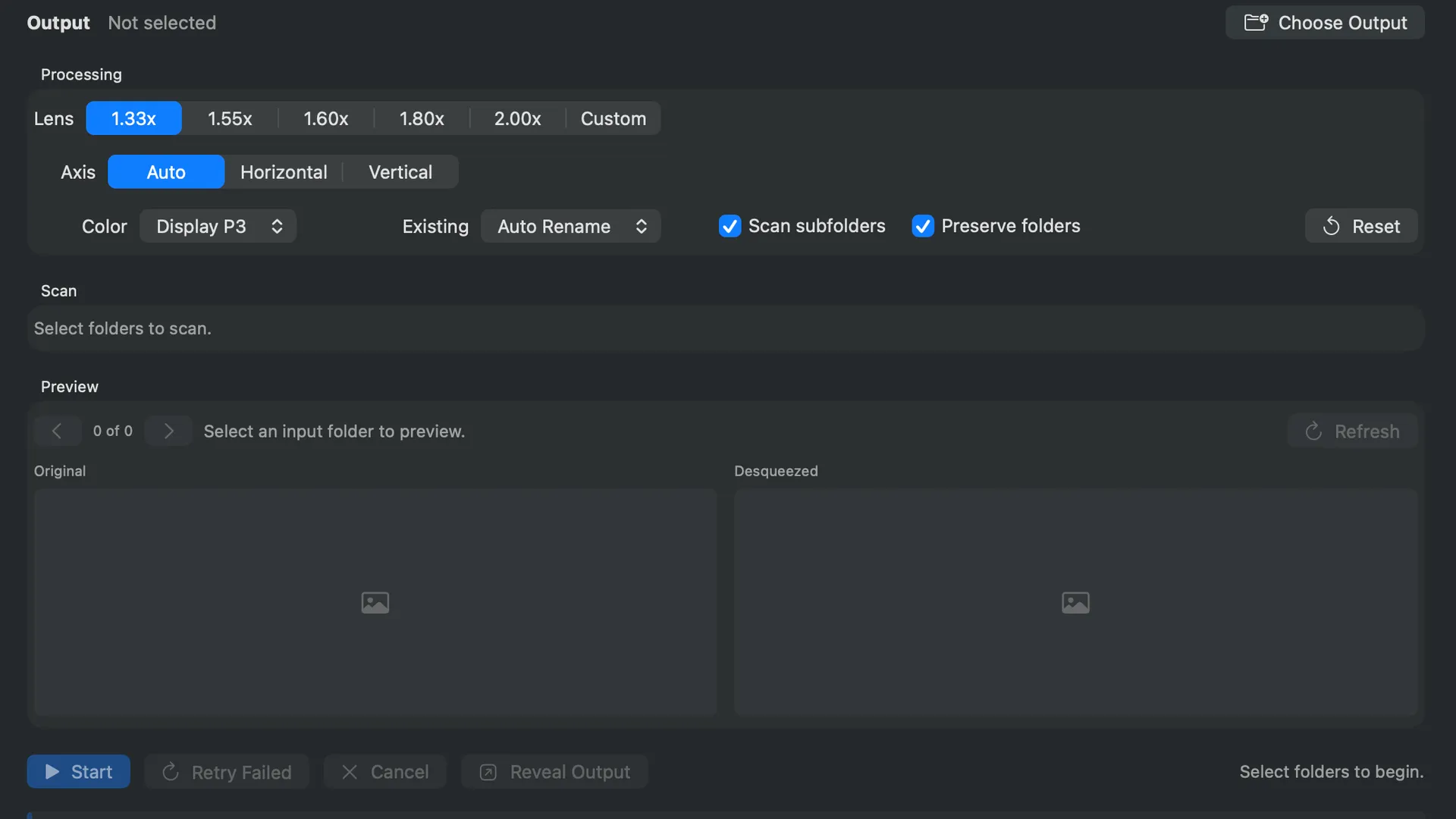
PhotoDesqueeze is a native macOS SwiftUI app that scans an input folder, previews images side by side, applies the selected anamorphic factor, and writes 16-bit TIFF masters for editing. It uses Apple Core Image for RAW-first loading, supports rendered fallback formats, offers preflight counts, cancellation, retry-failed processing, automatic or manual axis selection, color-space choices, safe existing-file handling, and a CSV manifest for each batch.

Outcome

  • Turns repetitive anamorphic photo preparation into a predictable batch workflow
  • Keeps camera originals untouched while producing high-quality editing files
  • Gives photographers a small native tool instead of a fragile manual export chain

My contribution

  • Designed the macOS batch workflow around RAW preservation and TIFF editing masters
  • Built the SwiftUI interface for folder selection, preflight, preview, processing, and results
  • Implemented Core Image based loading, desqueeze rendering, TIFF export, and safe file handling

Impact

  • Turns repetitive anamorphic photo preparation into a predictable batch workflow
  • Keeps camera originals untouched while producing high-quality editing files
  • Gives photographers a small native tool instead of a fragile manual export chain

What mattered

01

Batch anamorphic desqueeze for RAW and rendered image folders

02

Original RAW files stay untouched while 16-bit TIFF masters are written

03

Built-in 1.33x, 1.55x, 1.60x, 1.80x, and 2.00x presets plus custom factors

04

Preflight summary with planned write, rename, overwrite, and skip counts

05

Side-by-side preview, progress, cancellation, retry-failed, and per-file results

06

CSV manifest, atomic TIFF writes, and conservative TIFF/EXIF metadata preservation

Insights

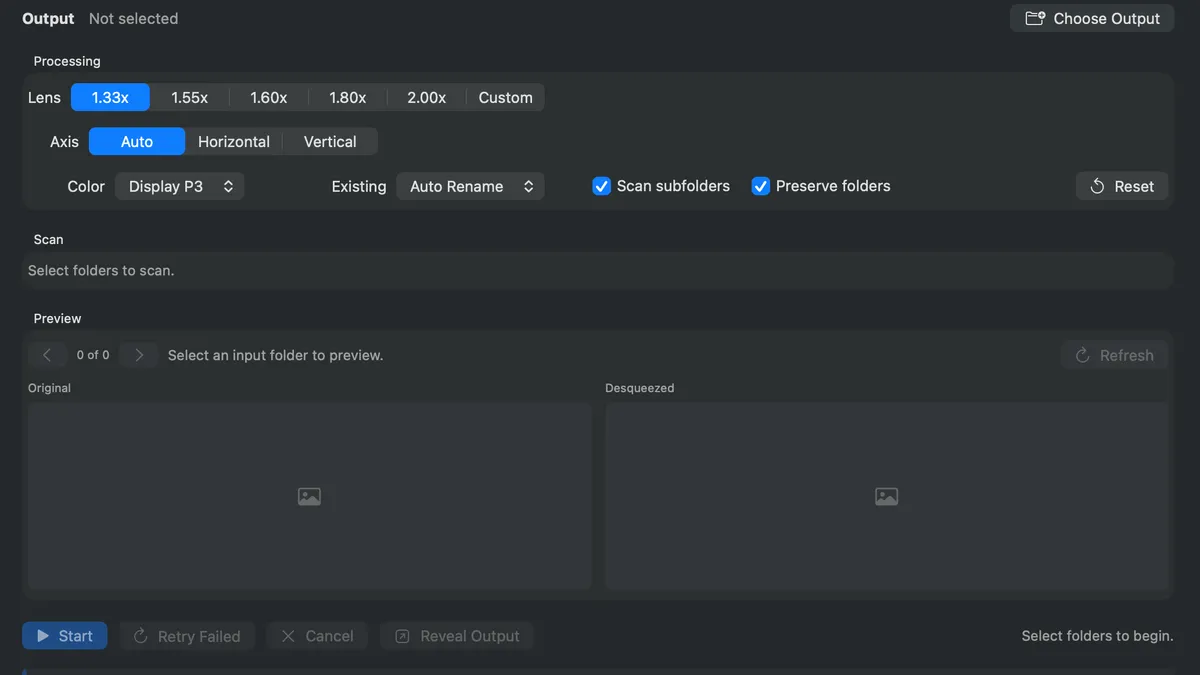
PhotoDesqueeze macOS batch desqueeze interface

The PhotoDesqueeze macOS app interface for batch anamorphic desqueeze

Technical frame

Technical frame

The technical frame sits at the end on purpose: it shows the engineering substance behind the solution.

SwiftSwiftUImacOSCore ImageRAWTIFFBatch Processing
T IT AN GmbH

Next project

T IT AN GmbH

End paperwork the moment you leave the site.

View project

Start a project